OMS Platform Overview
Welcome to the CRACKiT Online Management System User Documentation. The CRACKiT Online Management System (OMS) is a powerful platform designed to streamline educational management processes. It enables teachers and tutors to efficiently monitor students, manage classes, and oversee assessments, fostering a more organized and productive learning environment.
Logging into the Platform
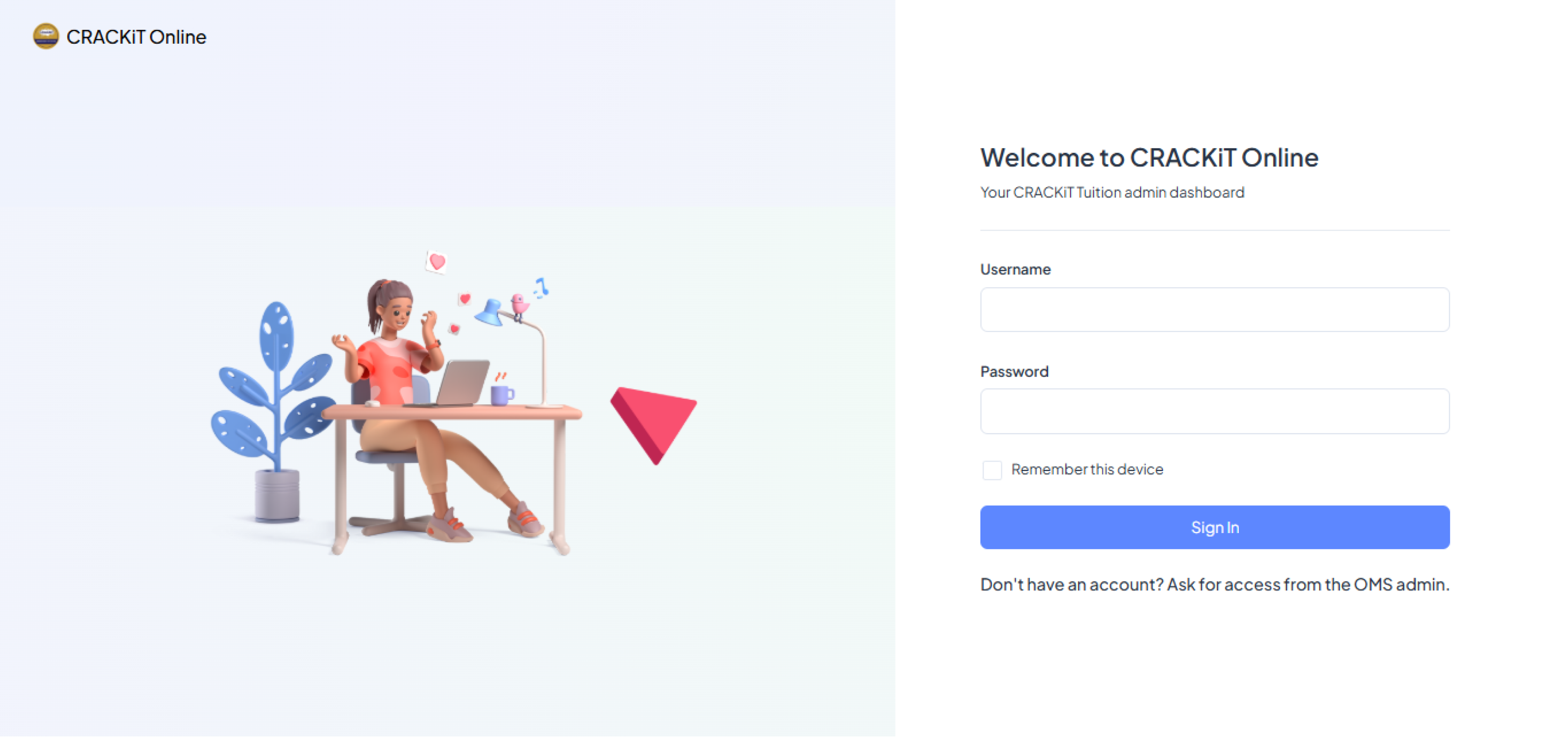
To access the CRACKiT OMS, click on this link to navigate to the login page. Once you reach the login page, input your CRACKiT OMS login credentials. If you do not yet have an account, please request access from the OMS administrator.
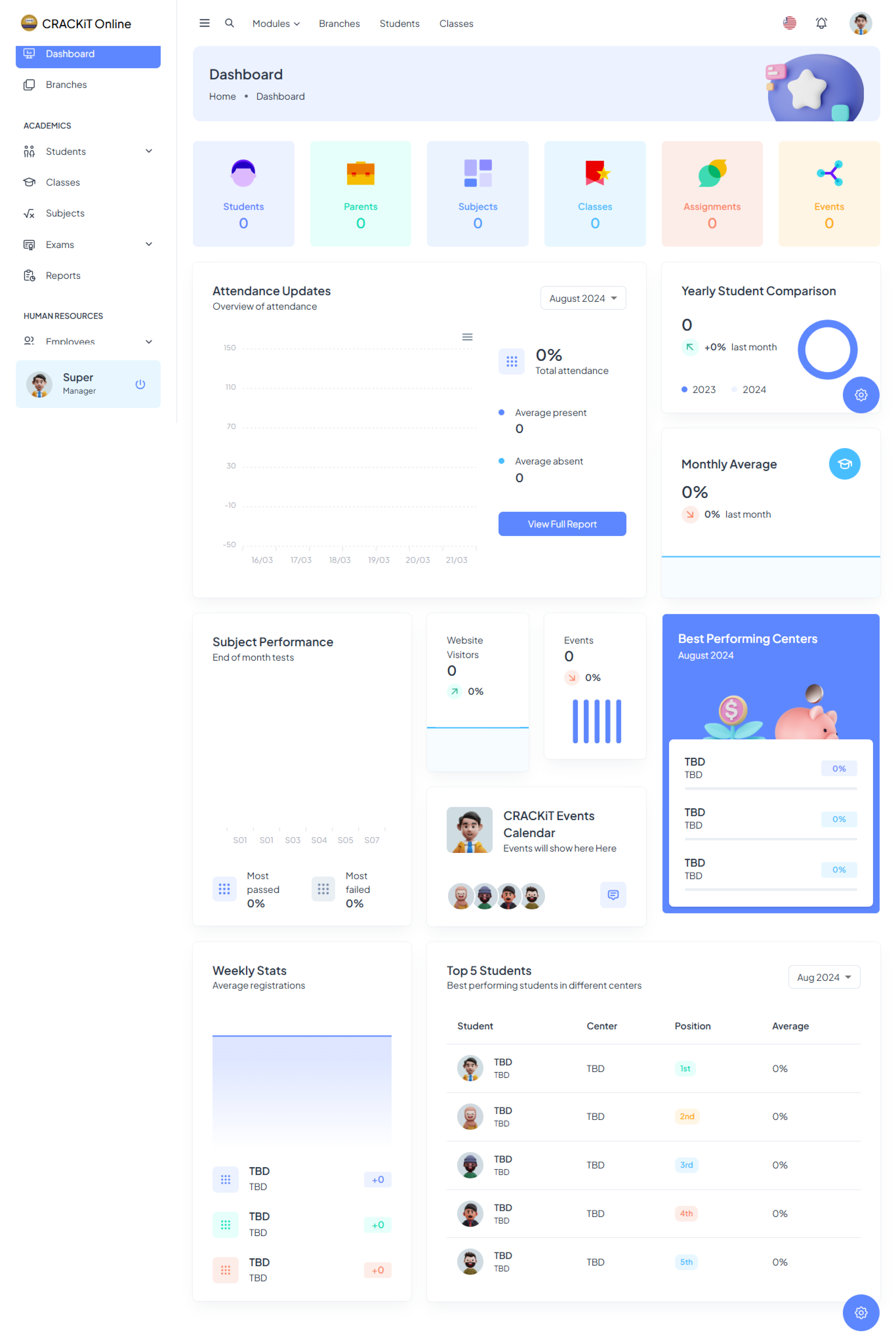
Upon successful login, you will be directed to the Dashboard, which serves as the landing page and central hub for all system functionalities.
Account Management
The platform allows users to view/edit their profile data and preferred settings, as well as view their notifications.
Profile Information
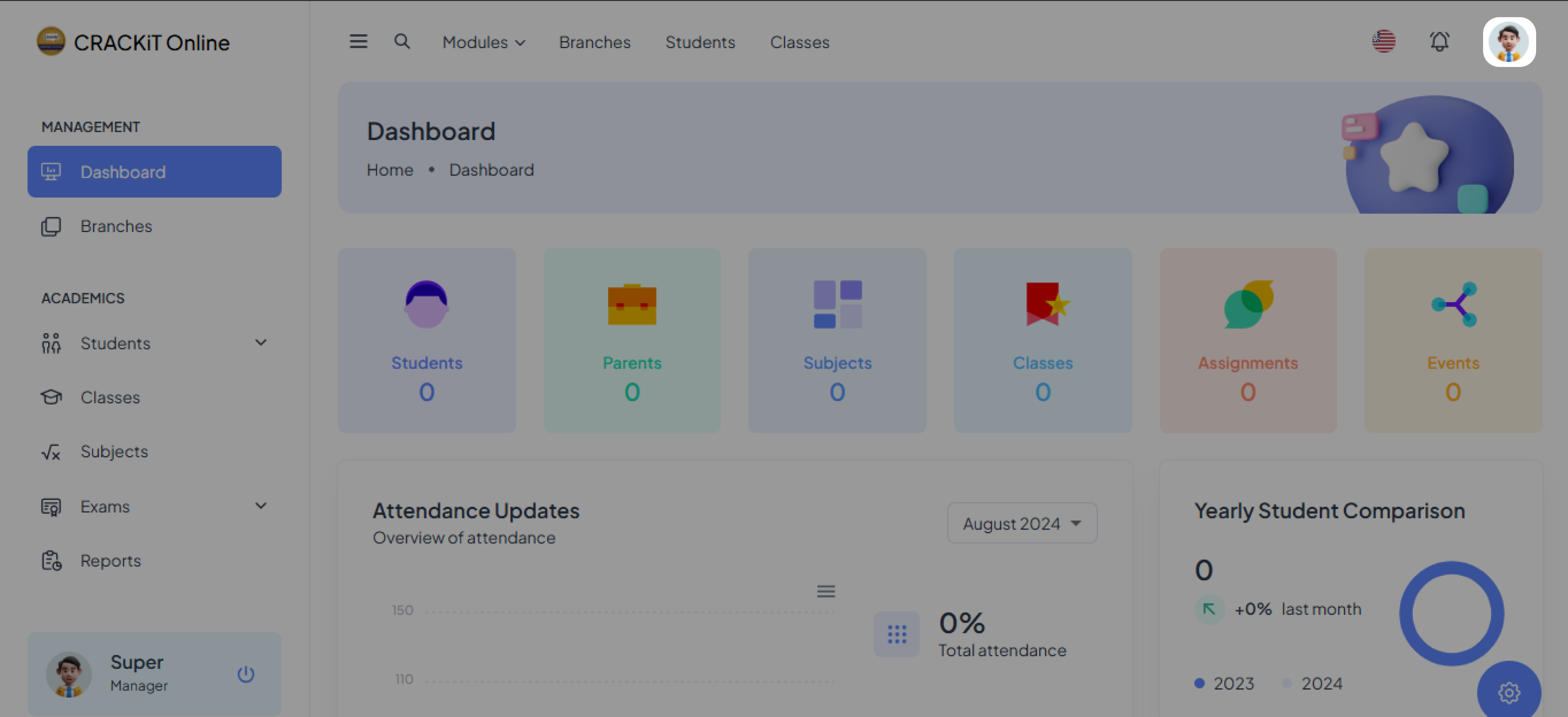
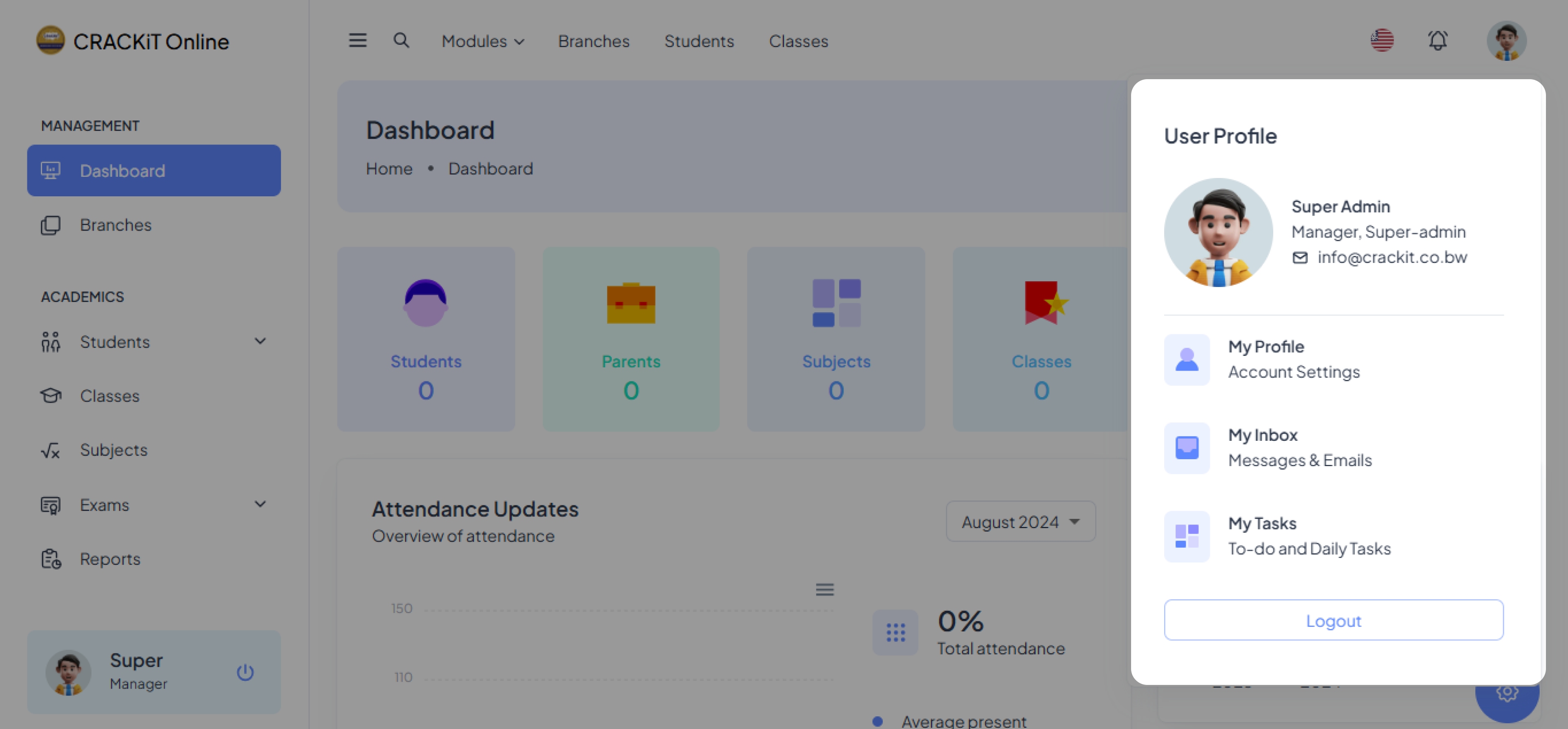
In the top right corner of the portal, there is a Profile icon where users can manage their profiles.
Profile Notifications
The Notifications icon is located at the top right corner of the portal, allowing users to check their notifications.
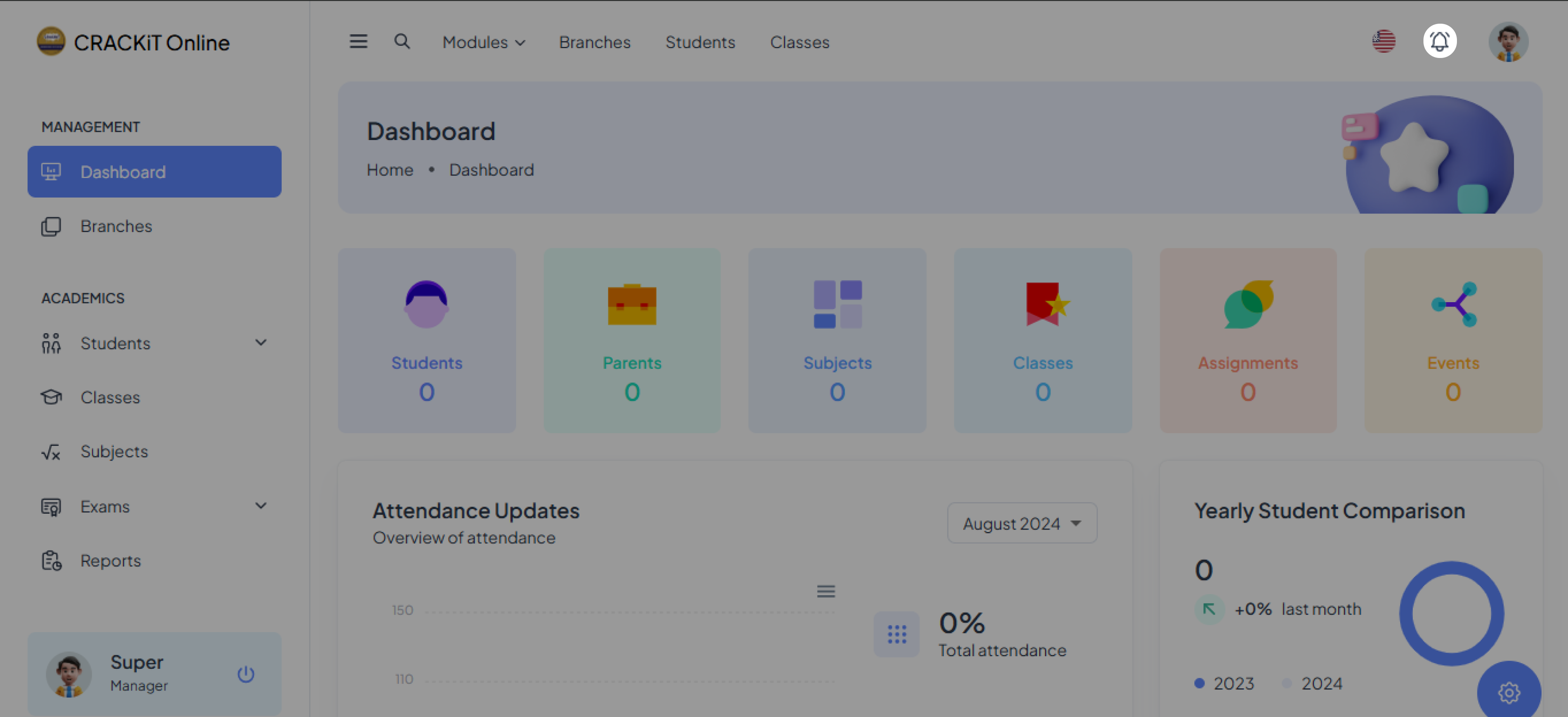
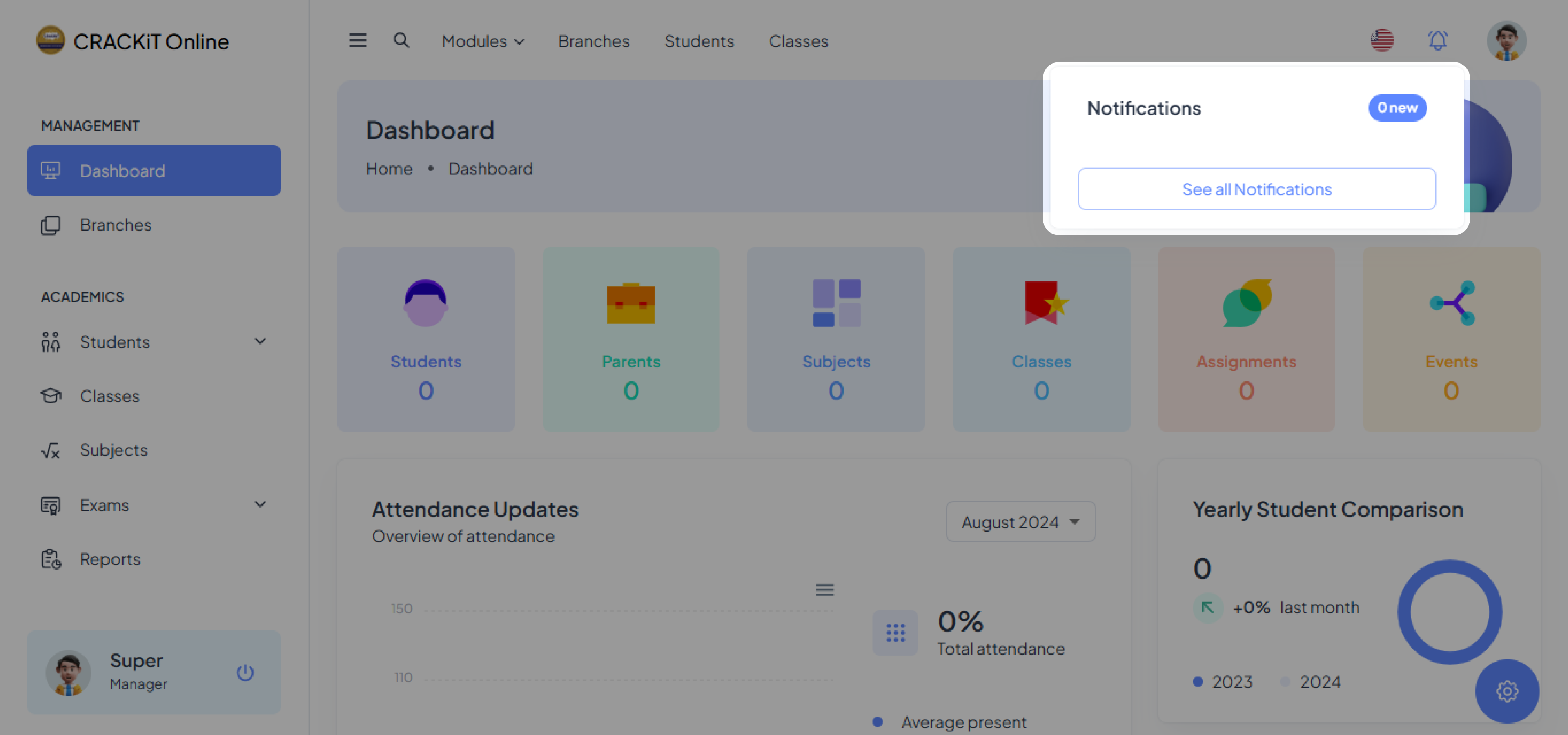
Account Settings
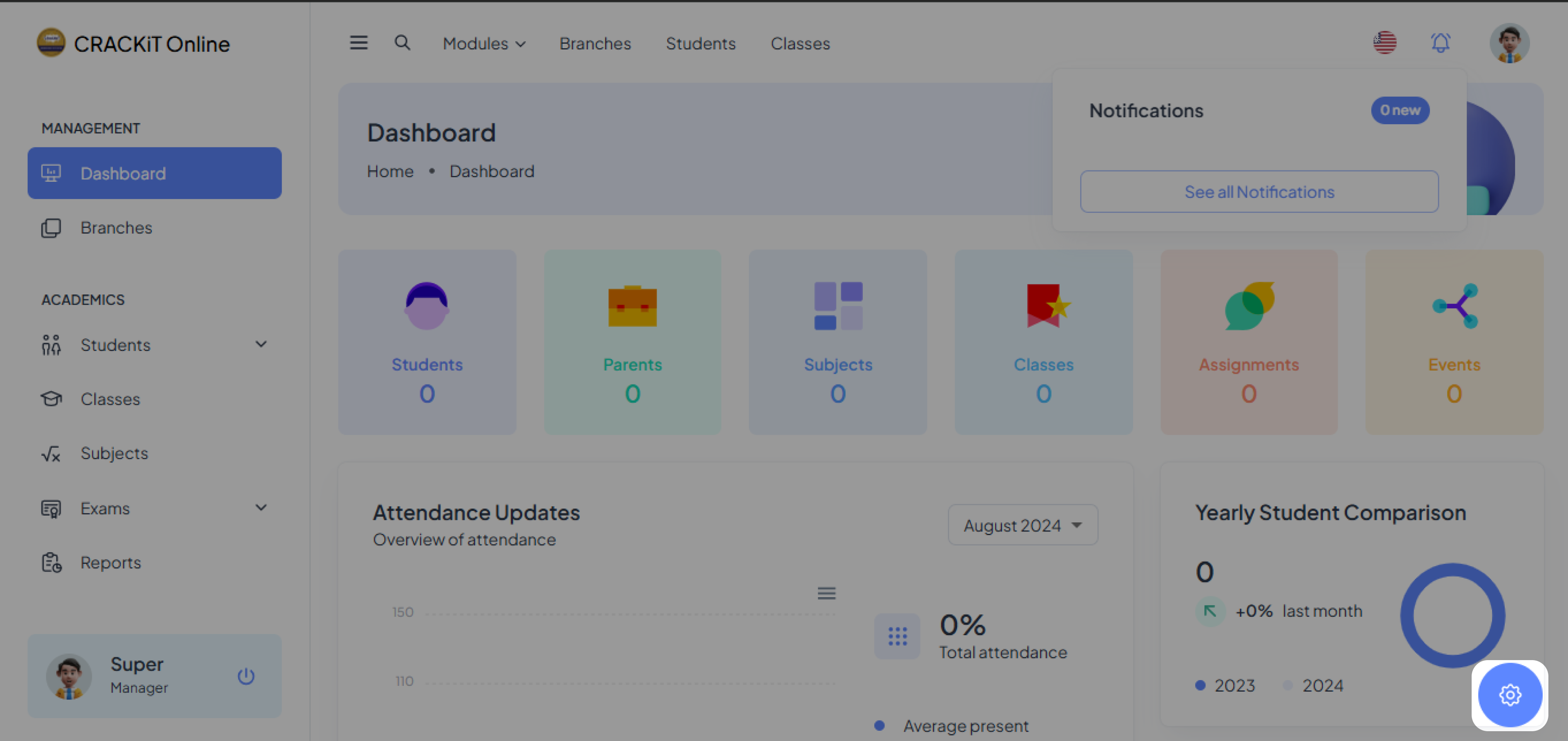
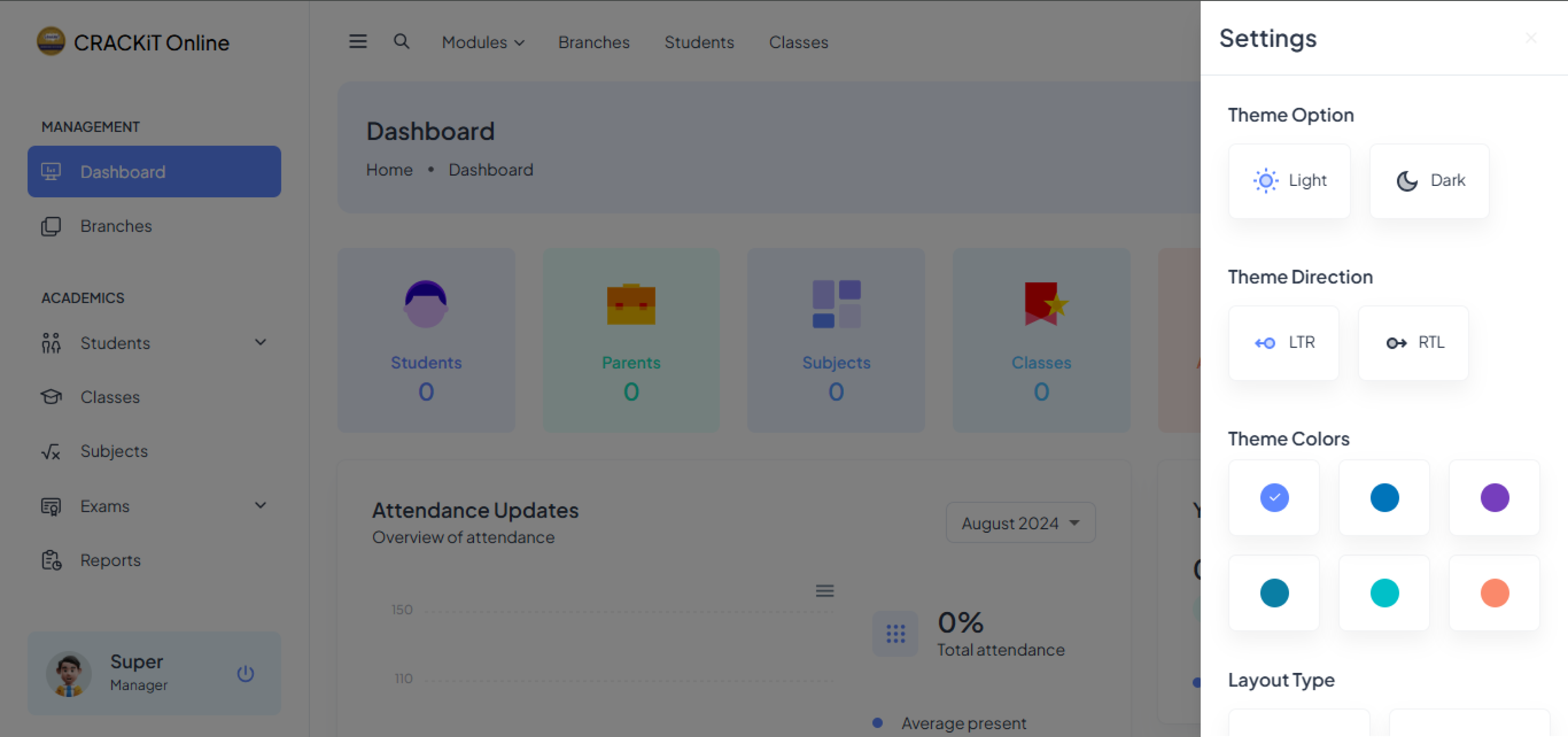
The Settings icon is located at the bottom right corner of the portal. Users can change the theme color of their portal background there.
OMS Key Features
Within the system, teachers/tutors can perform the following functions:
- Dashboard for Statistics
- Manage Classes
- Manage Students
- Manage Subjects
- Manage Exams
- Generate Reports
- Manage Work Hours
While there are other functionalities reserved for admins, such as:
- Employee Management
- Leave management
- Branch Management
The modules hosting all these functionalities can be found on the left side bar of the screen as shown.