Employees
The Employees management module allows users to efficiently manage employee information and attendance within the system. This module provides functionalities to add, review, and manage employee records.
Accessing the Employees Module
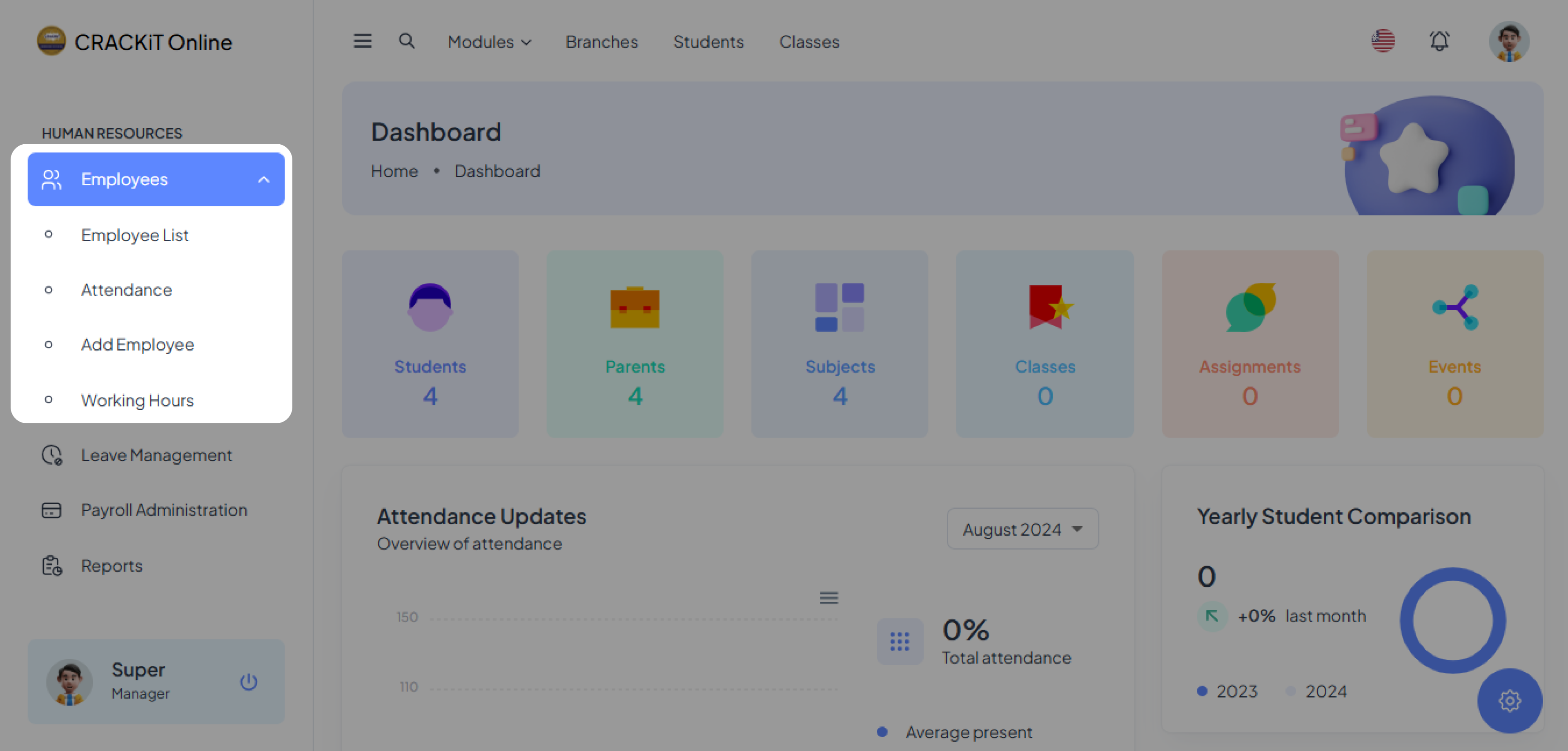
To access the Employees module, the user must click on Employees in the side navigation menu. This action will expand the module as shown below:
Adding a New Employee
To add a new employee, the user should follow these steps: Click on Add Employee to open the employee form.
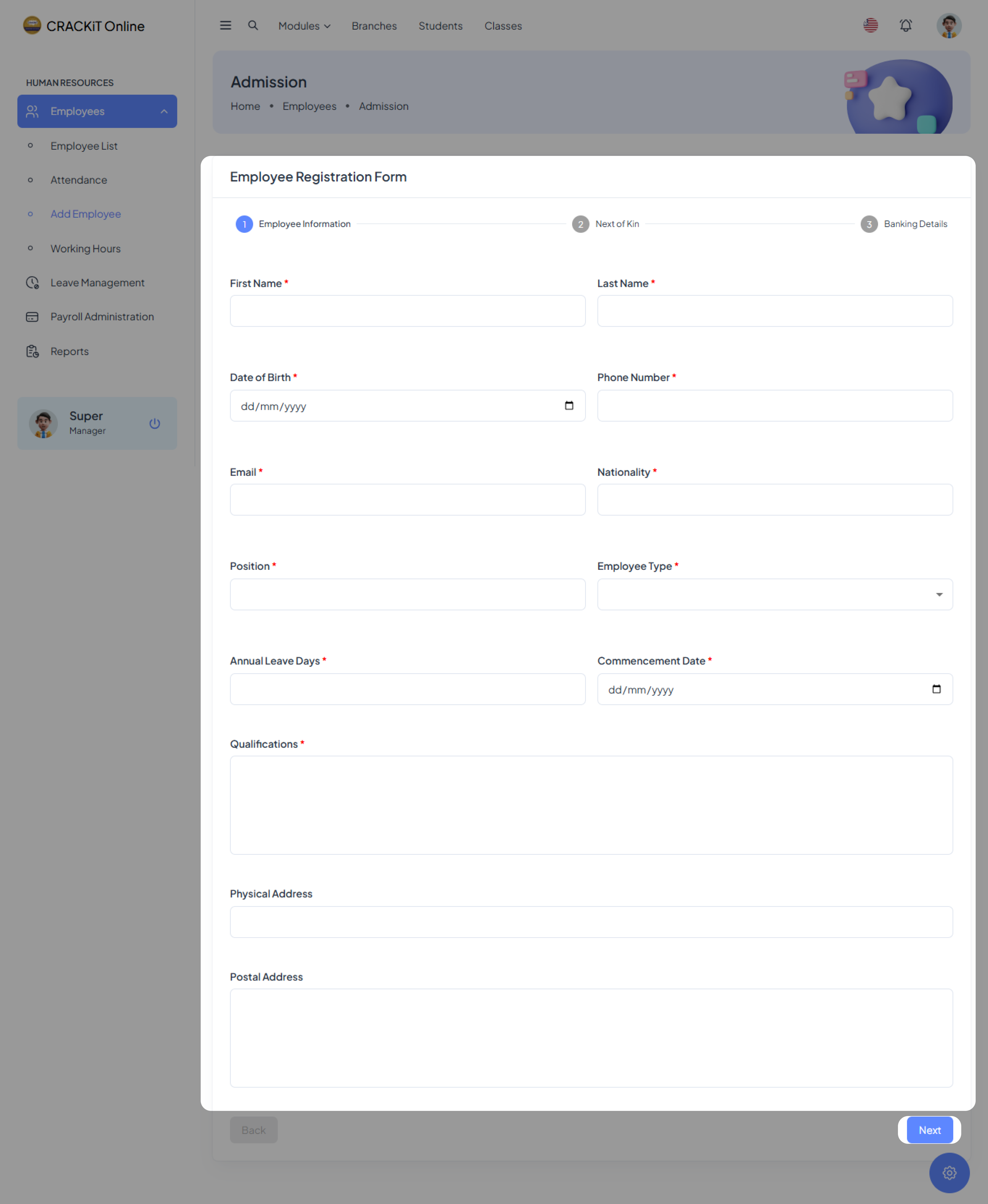
Enter all required information in the form and click the Next button to proceed through the steps until the process is complete.
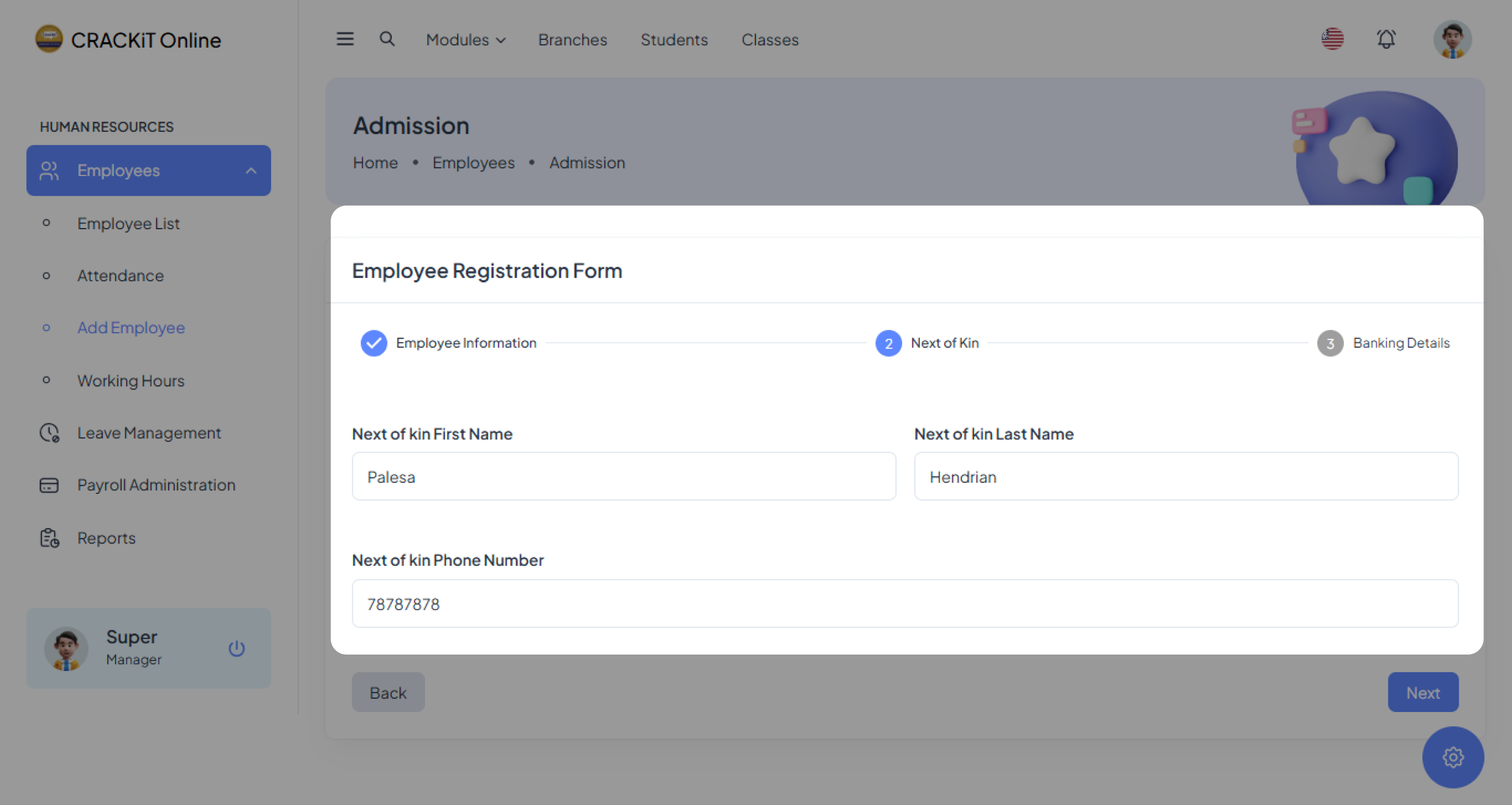
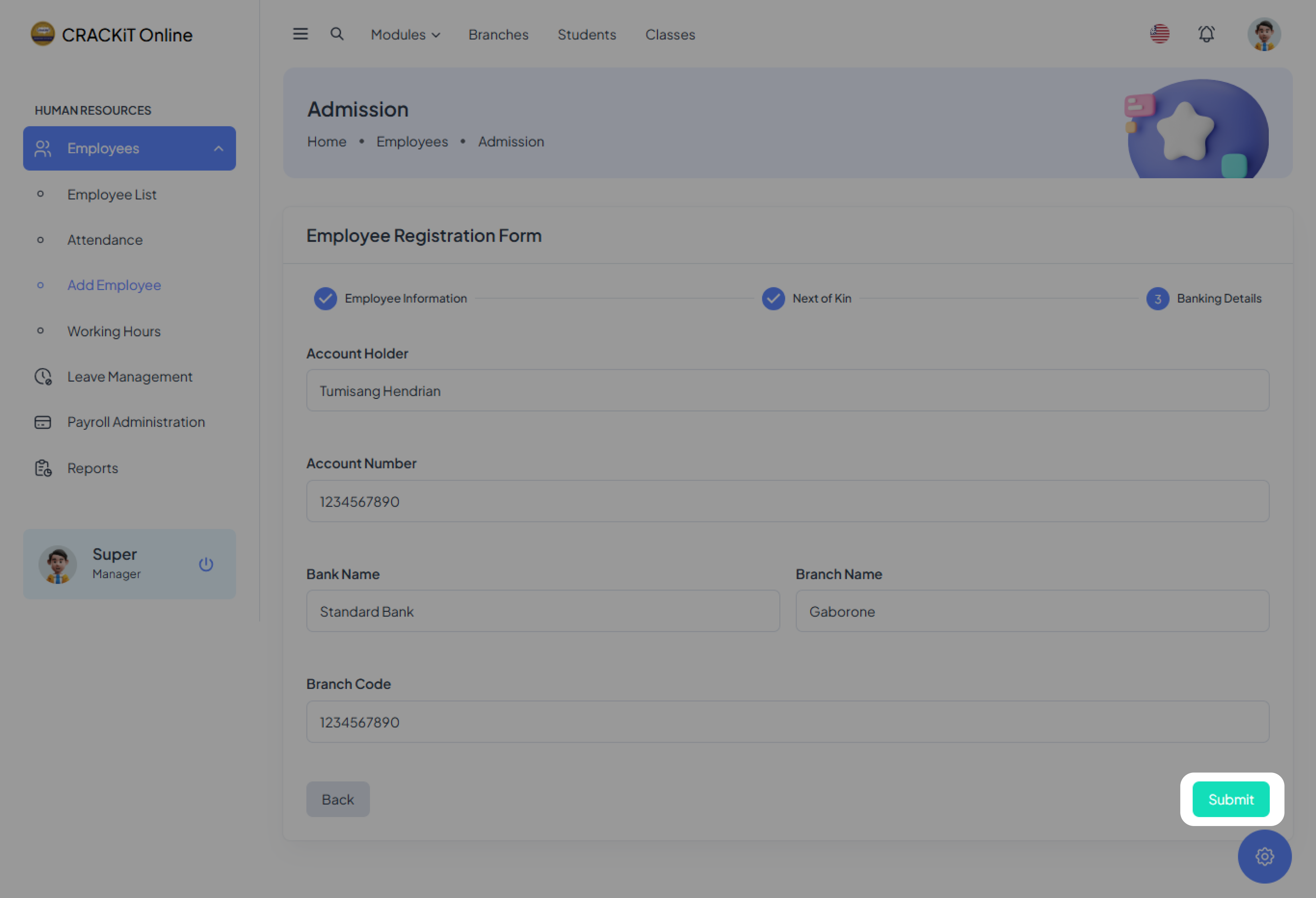
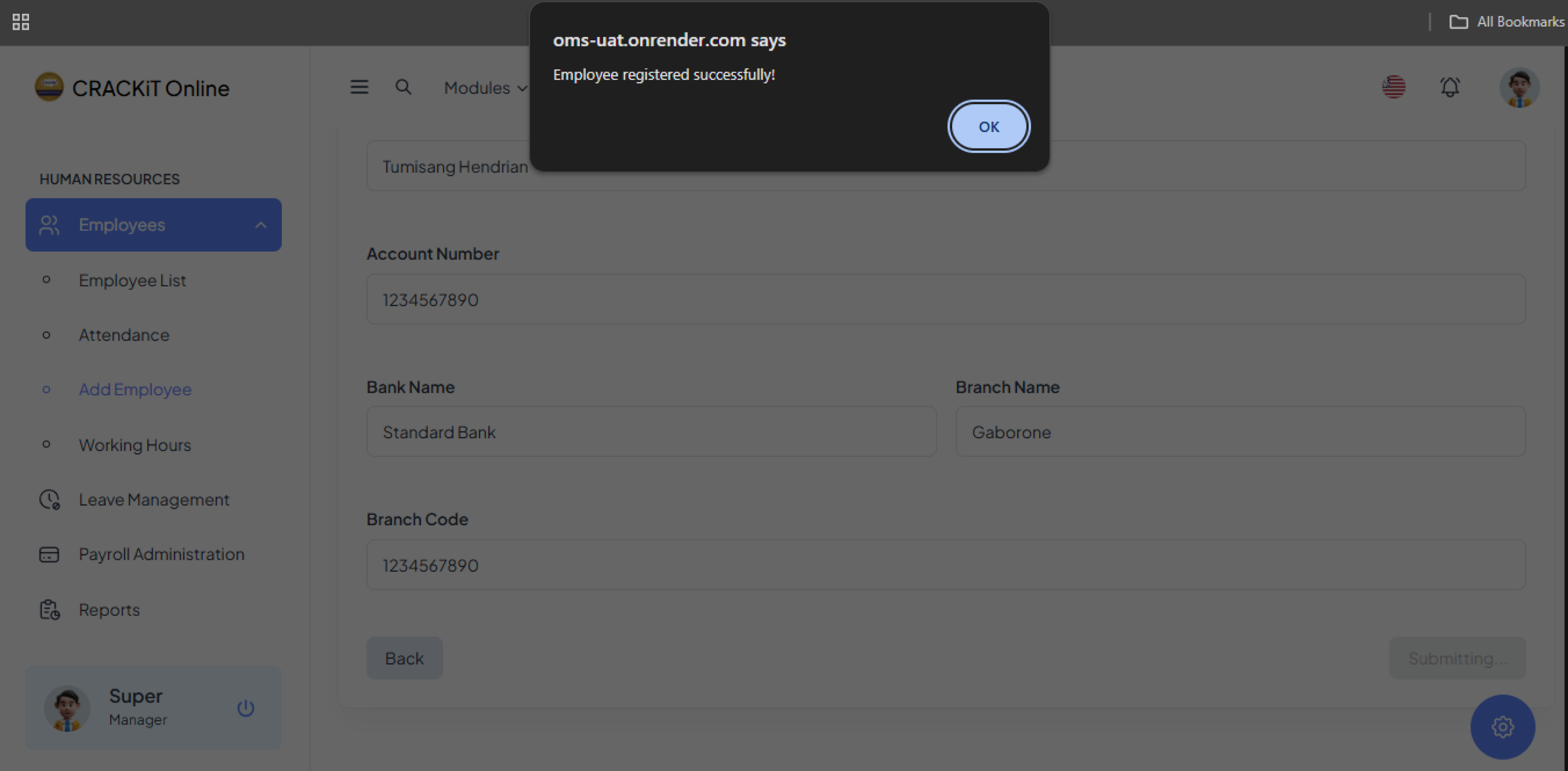
Once all steps are complete, click the Submit button. A pop-up message will confirm that the employee has been added successfully. Click OK to exit.
Reviewing the Employee List
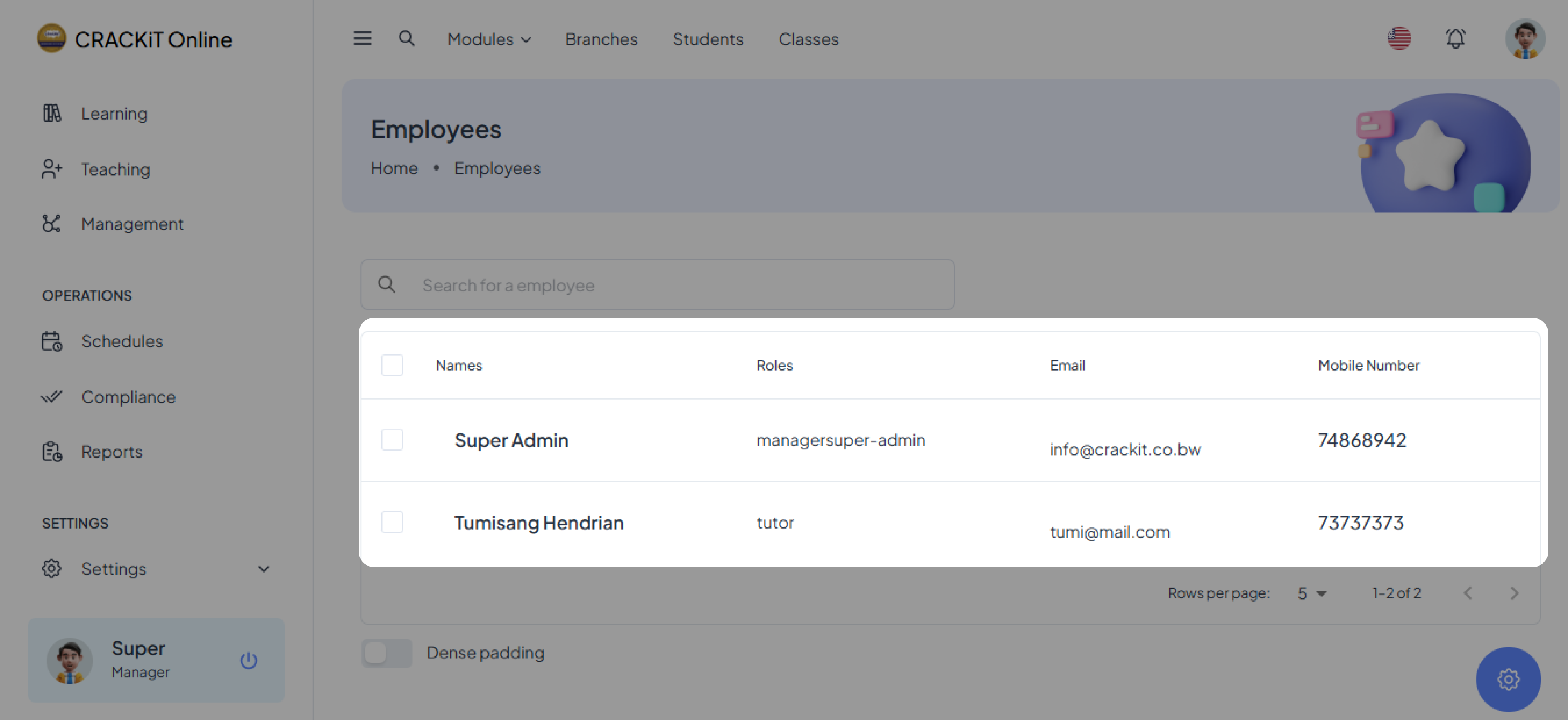
The user must review the employee list to ensure the newly added employee is included.
Additional Database Features
- Search for Employees by Name: Enhance your ability to quickly locate specific employees within the database by utilizing the search function. This feature allows you to enter an employee's name and retrieve their detailed information efficiently.
- Sort the Employee Database: Organize the employee database according to your preferred criteria. You can sort the list by name, email, or mobile number, making it easier to manage and access employee records. This functionality is particularly useful for maintaining an orderly and accessible database, ensuring that you can find the information you need without hassle.