Classes
The Classes Module allows users to manage classes. Users can create a class and the class is added to the Classes List. The module also provides options to update or delete classes.
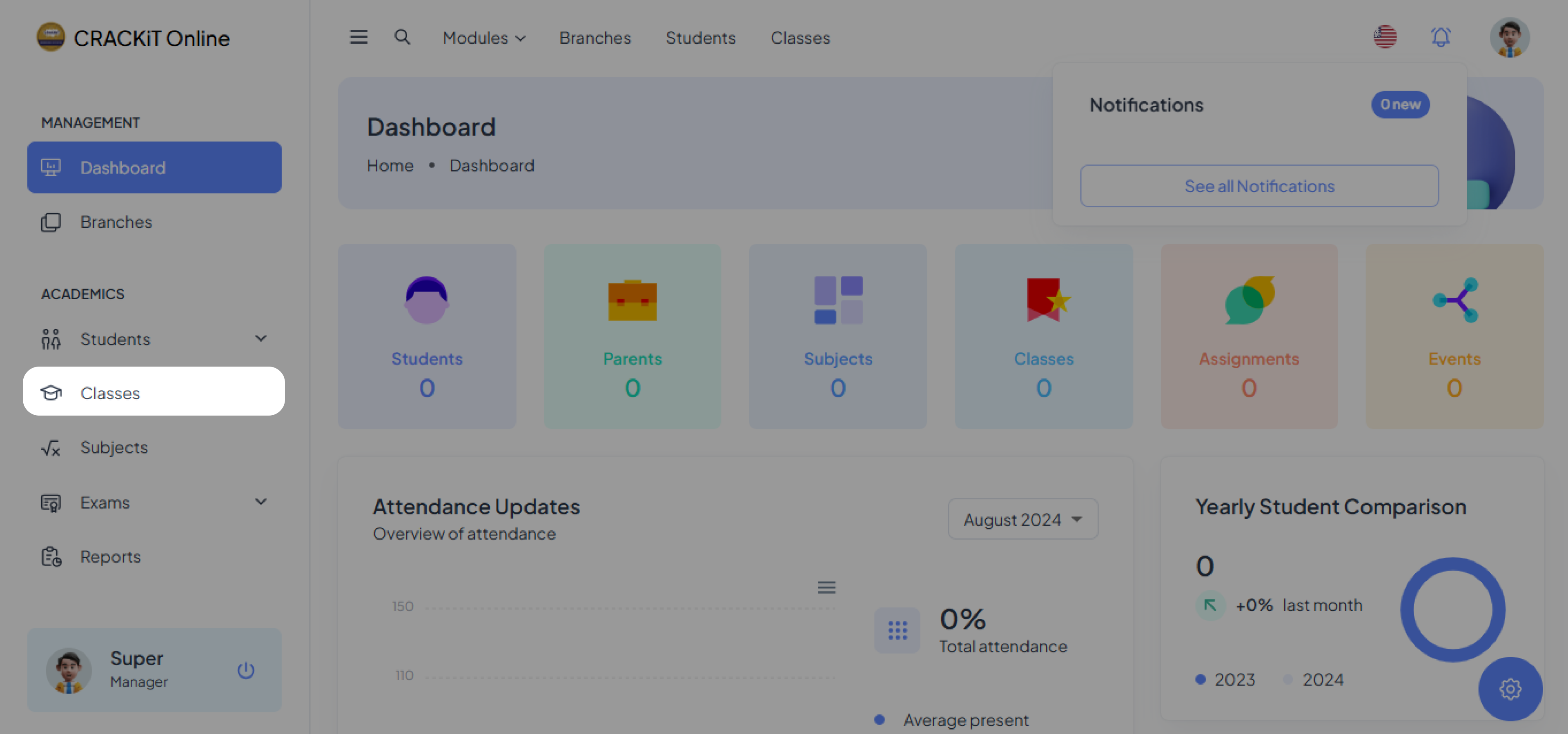
Clicking on Classes in the side navigation menu opens the classes page, as shown below.
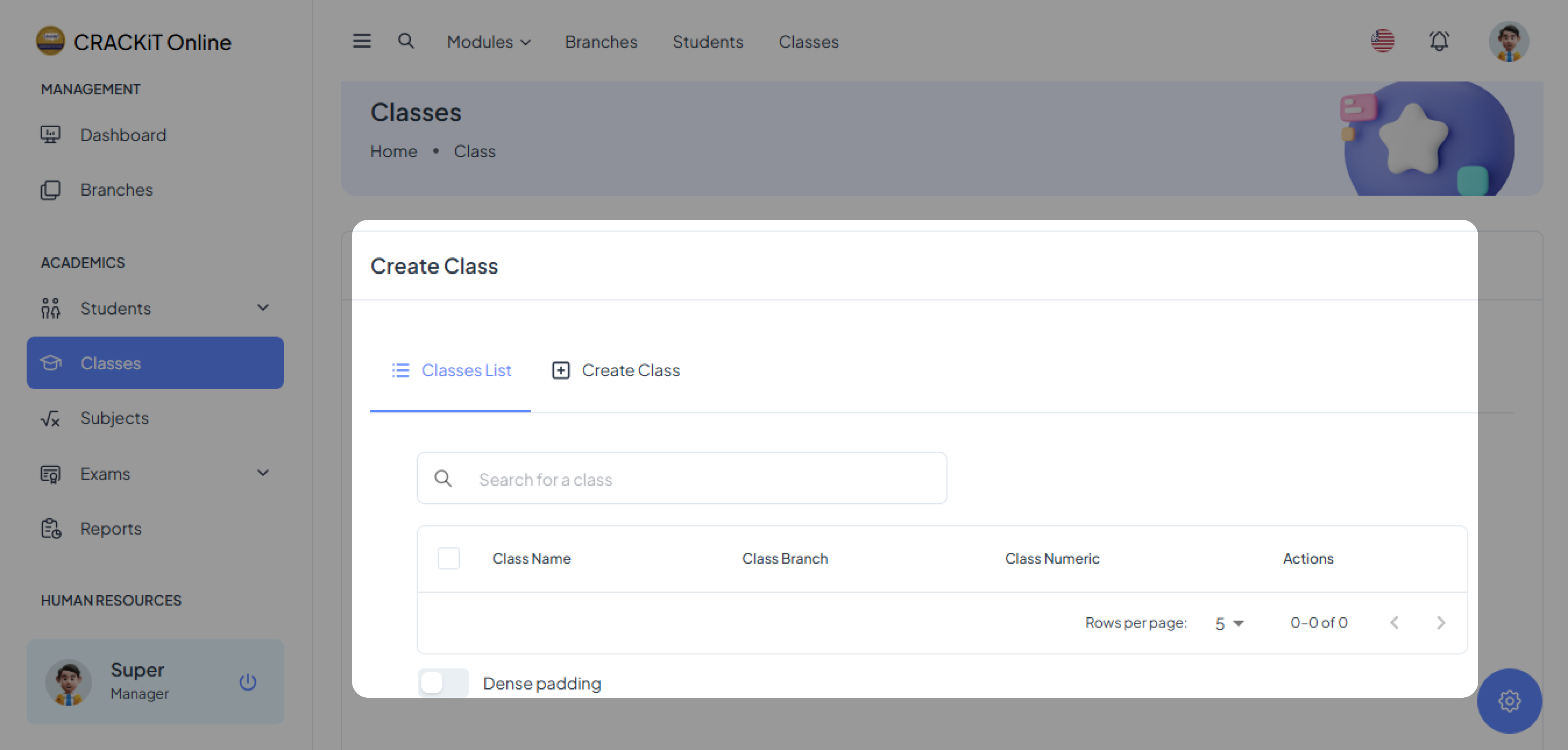
Creating a Class
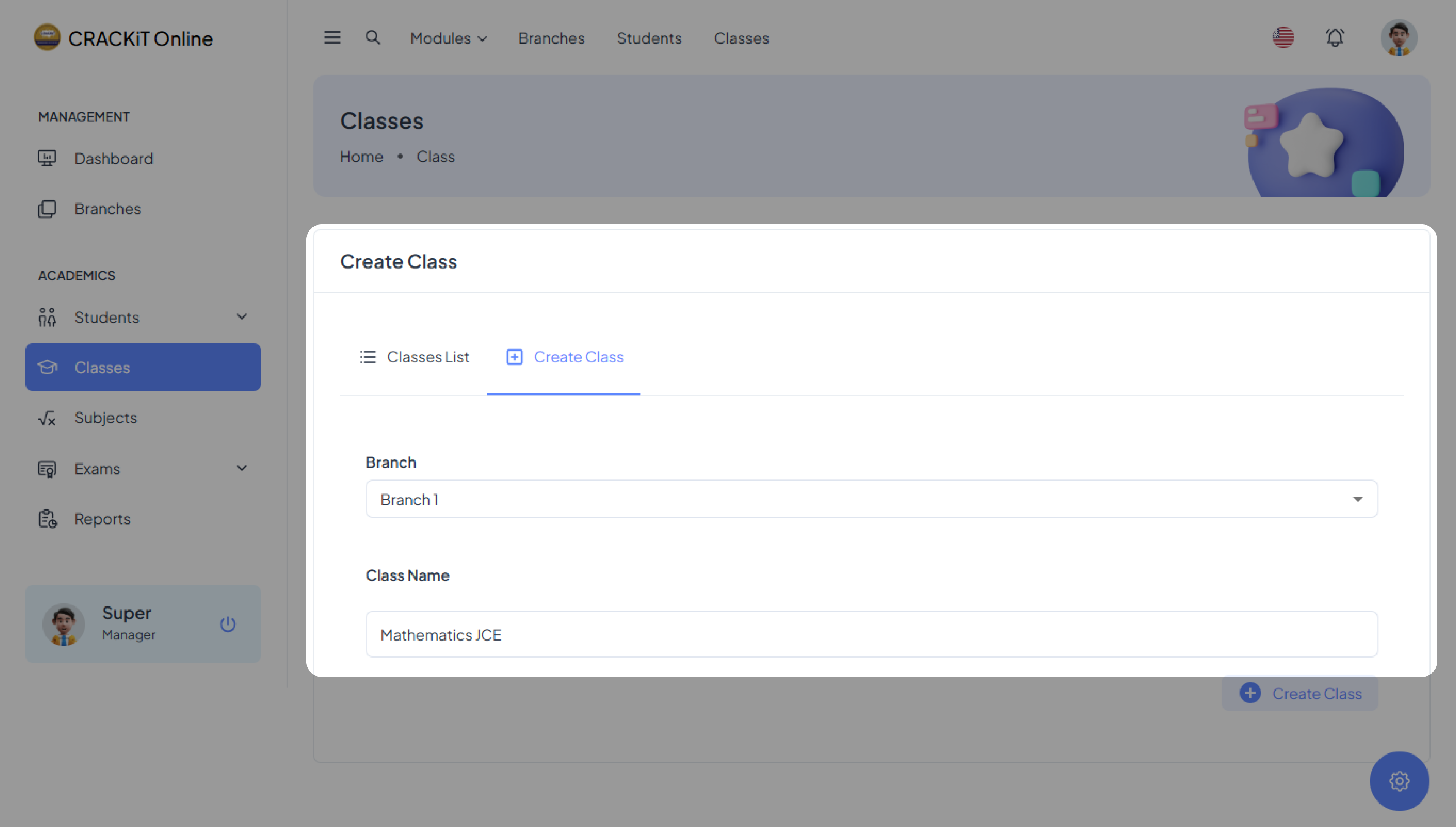
To create a class, click on Create Class and fill in the branch to which the class belongs and the name of the class.

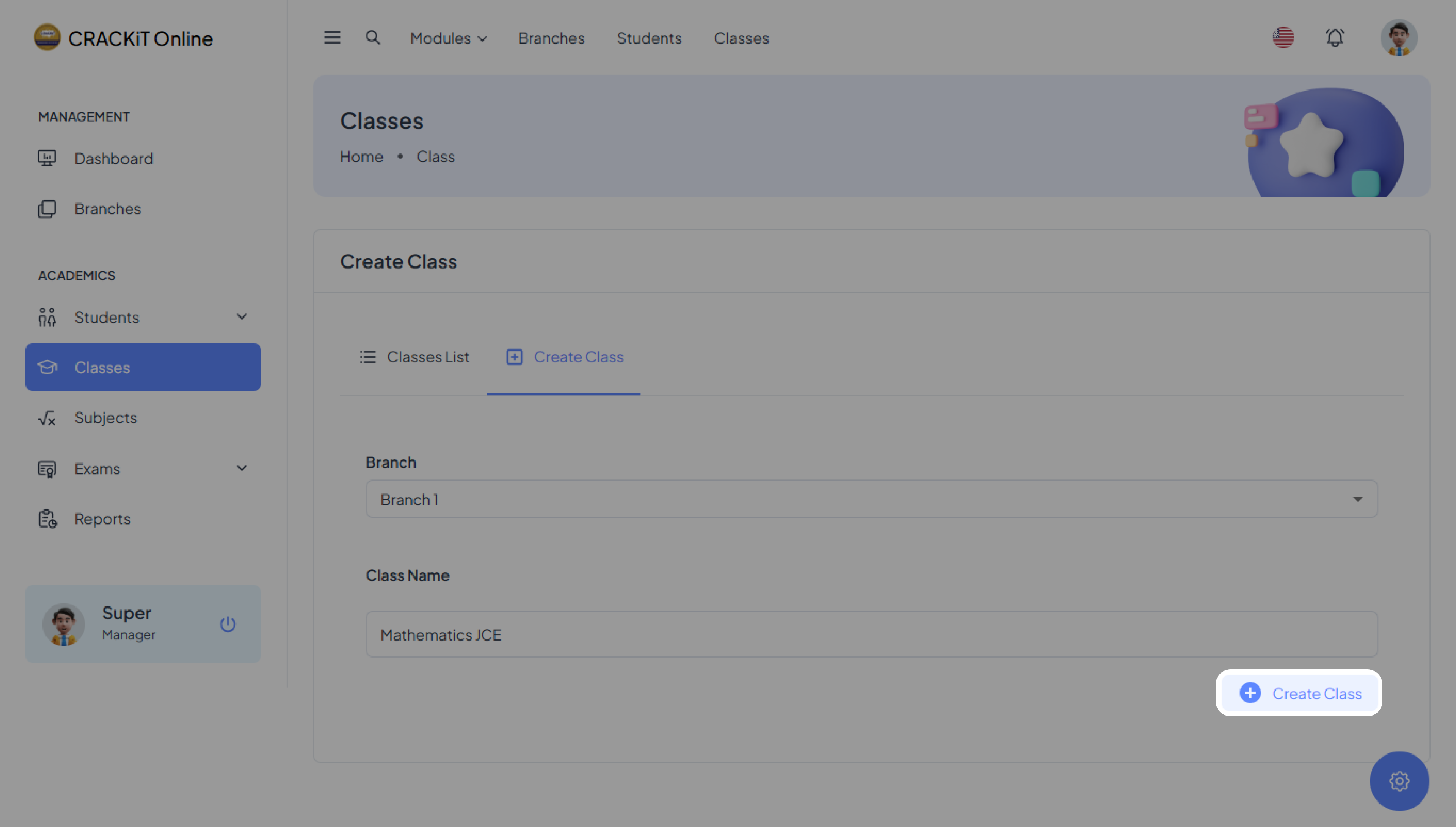
After completing the form, click the Create Class button to submit, A pop-up message will confirm successful submission. Click Ok to exit.
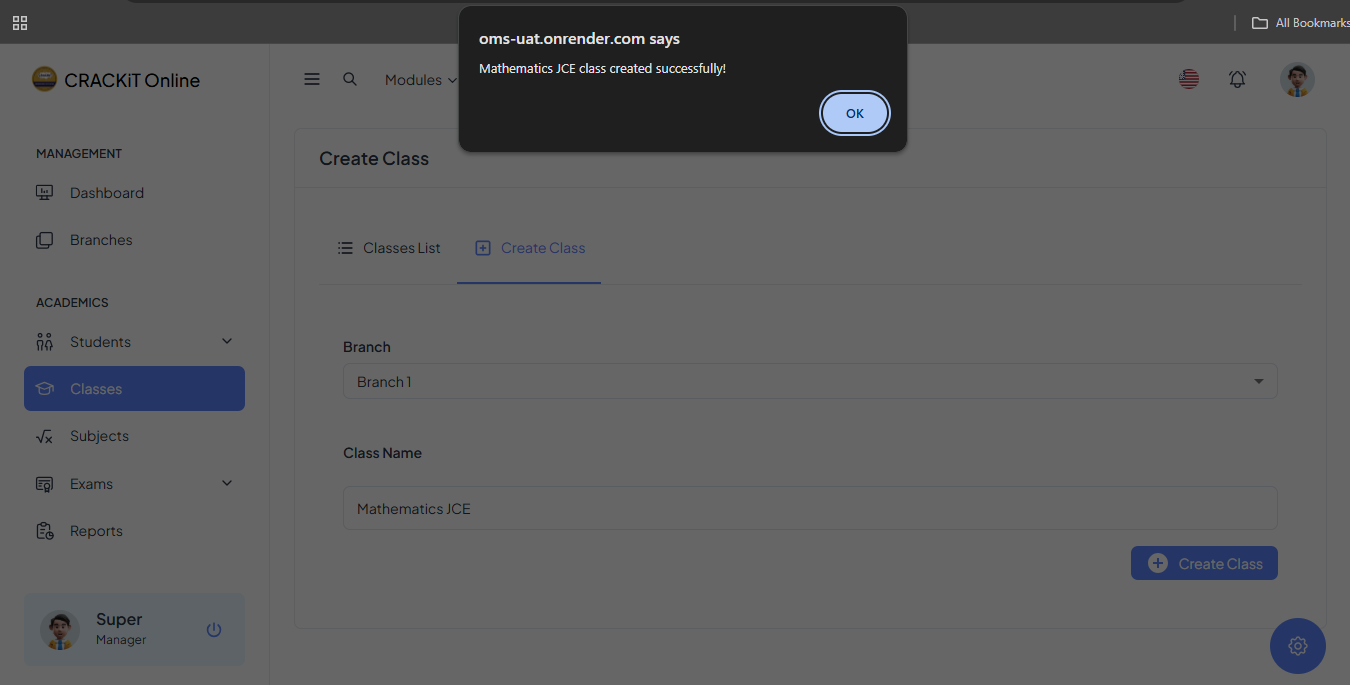
The class will automatically be added to the Classes List.
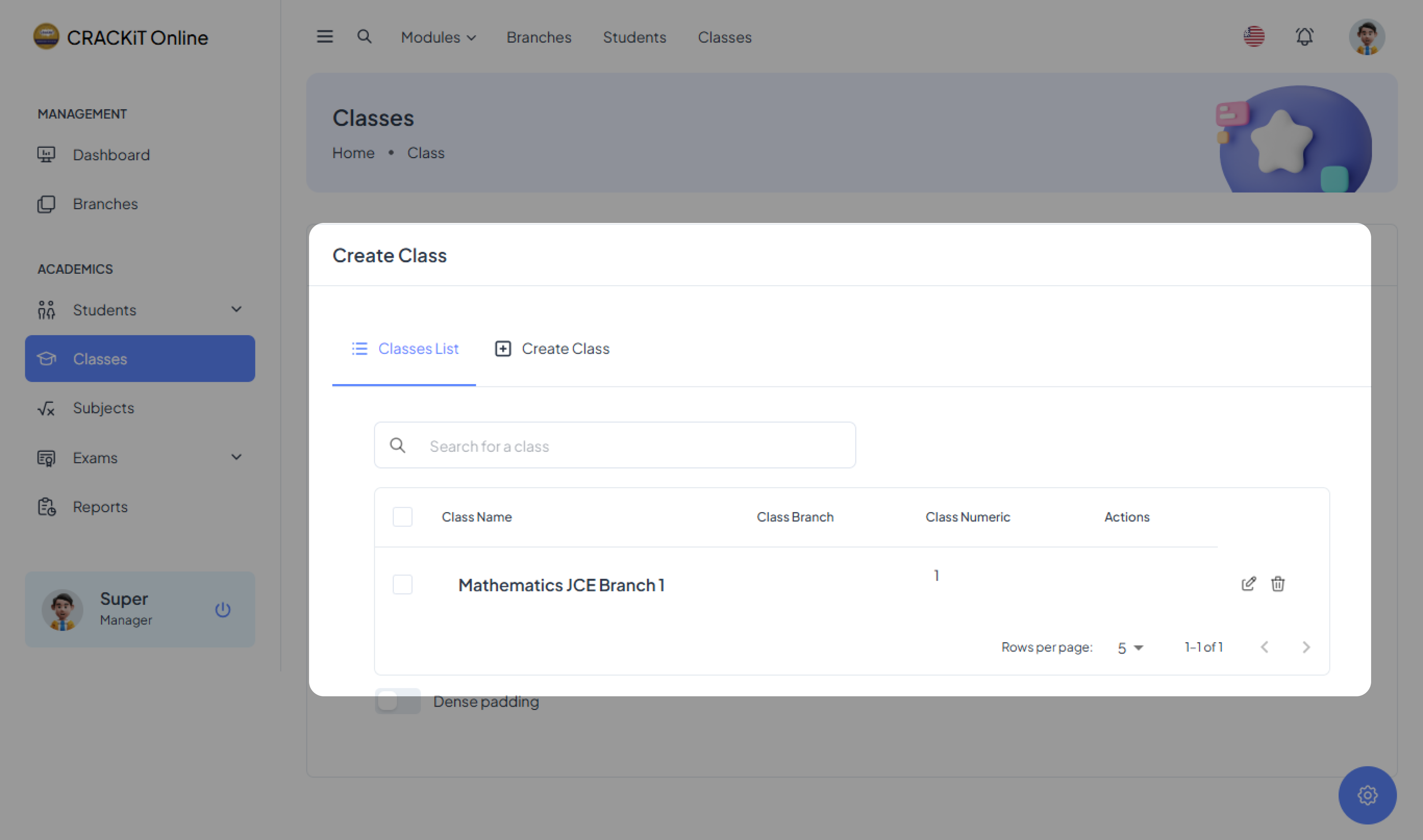
Classes Database
The classes database hosts a set of data about classes/subjects available at various branches. Information about classes can be kept up to date by their respective creators and can be deleted when the need arises.
Updating Classes Database
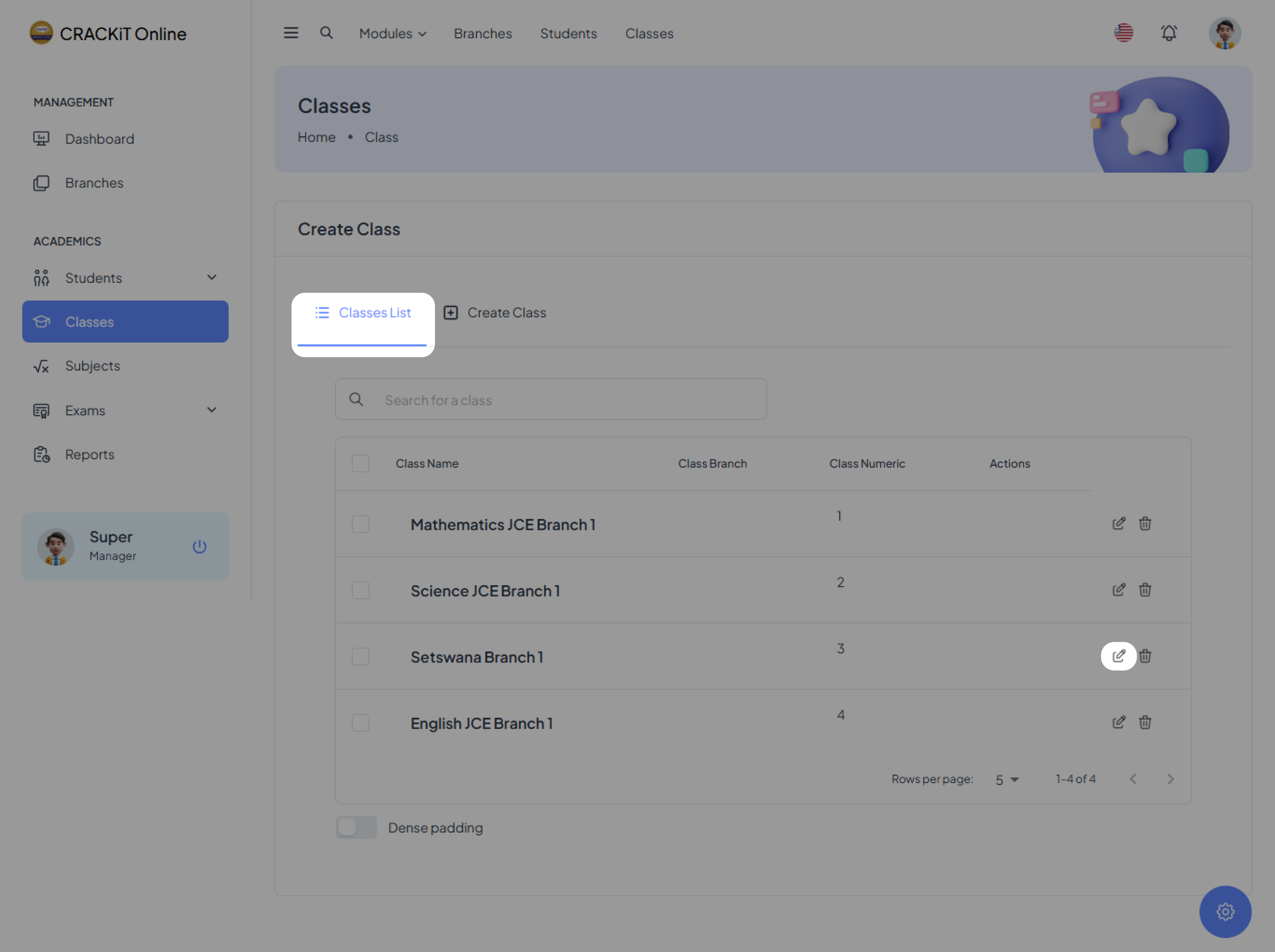
To edit a class, click on Classes List, locate the edit icon next to the class you want to modify, and click on it.
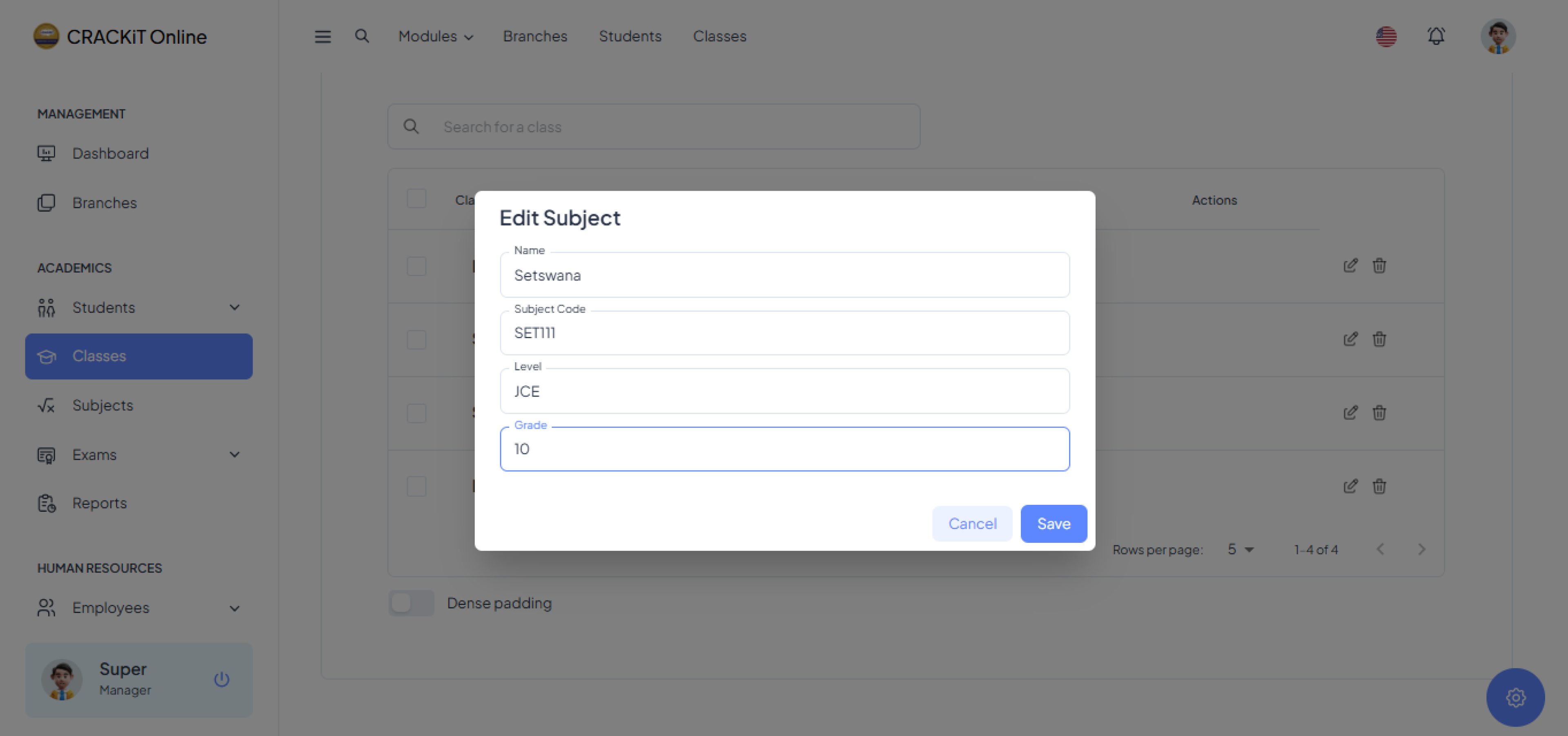 Click the Save button. A pop-up message will confirm that the record has been successfully updated. Click Ok to exit.
Delete Class
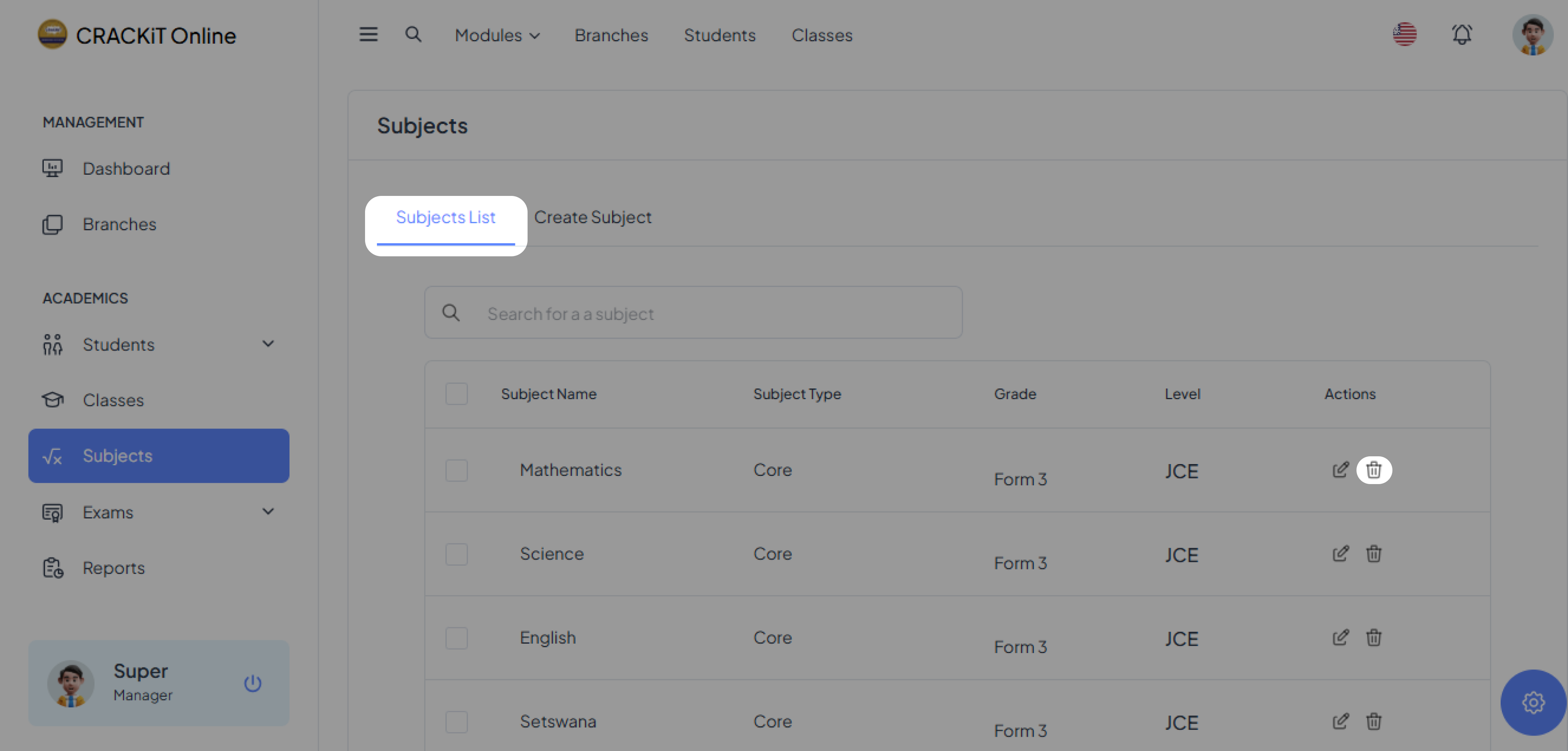
To delete a class, the user should locate the delete icon next to the class and click it. A pop-up message will appear; the user should click OK to confirm the deletion.
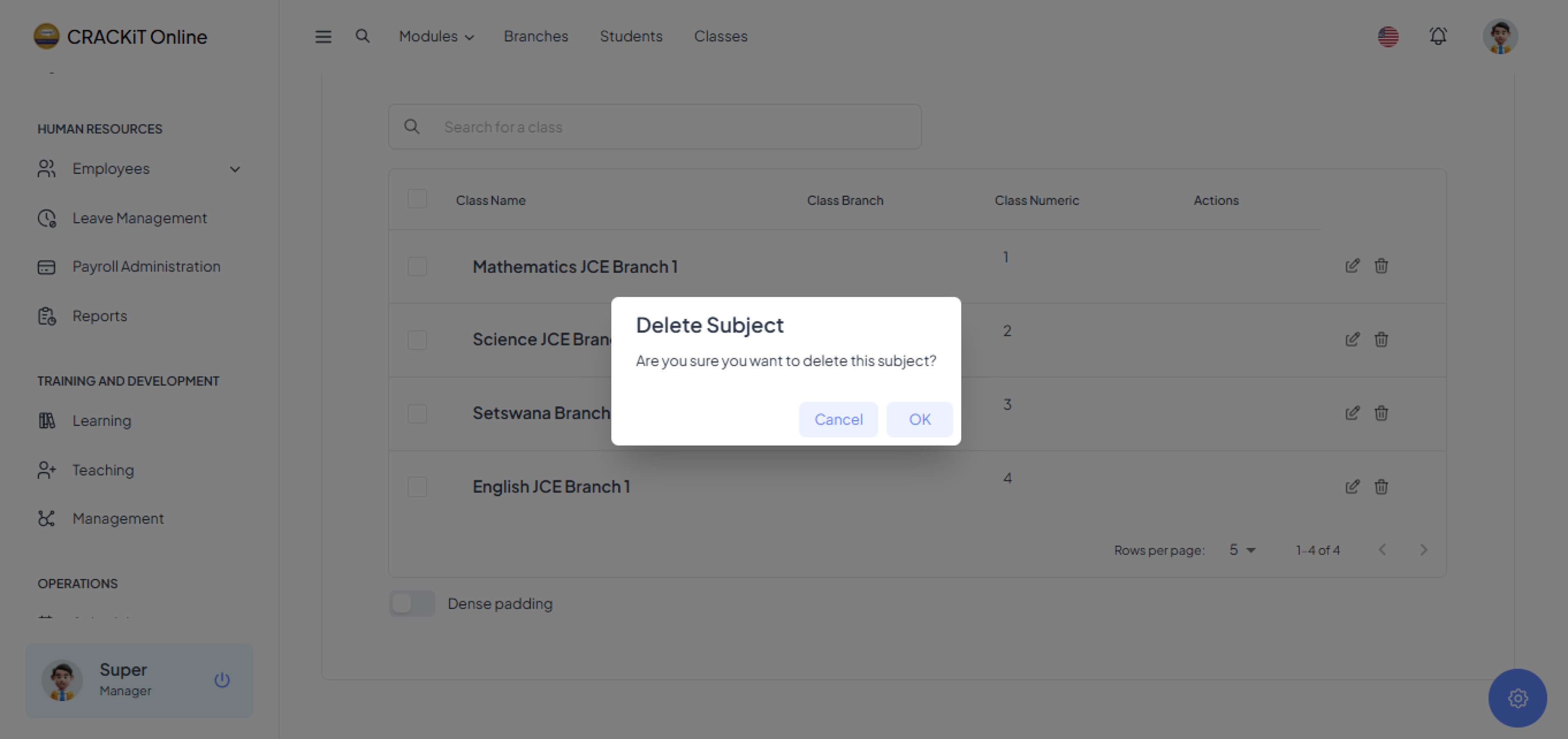
Note: After a class is deleted, it will no longer show on the classes database.